Team leadership · Unity / C#
Kittens with Cannons
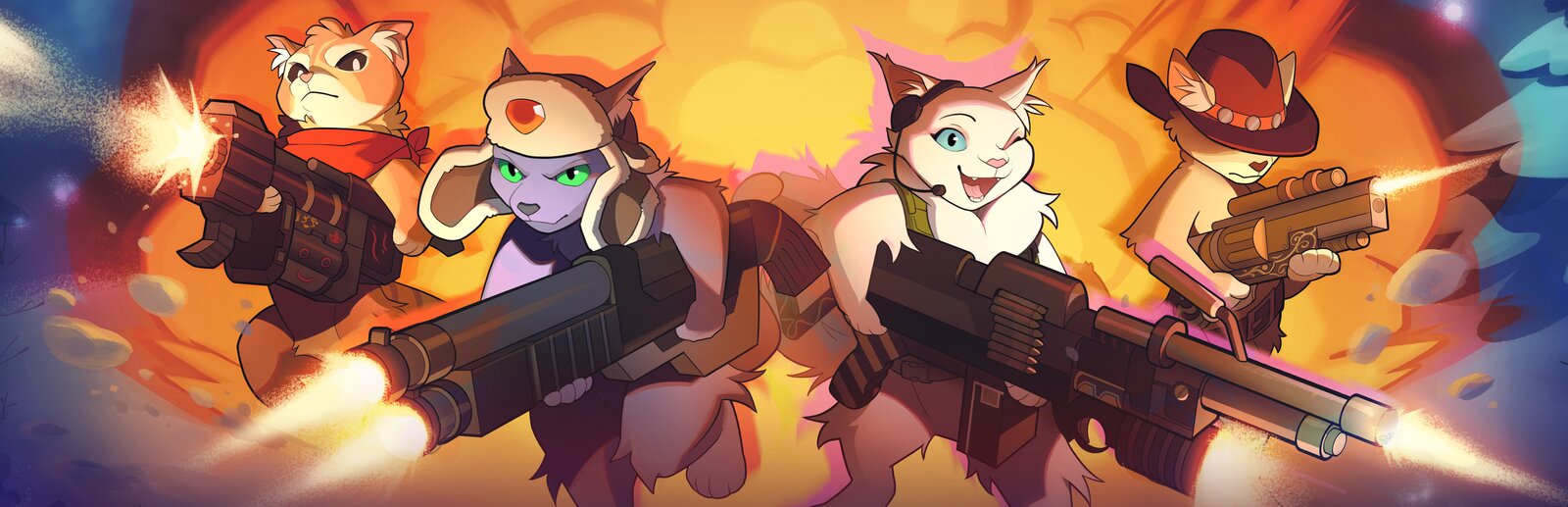
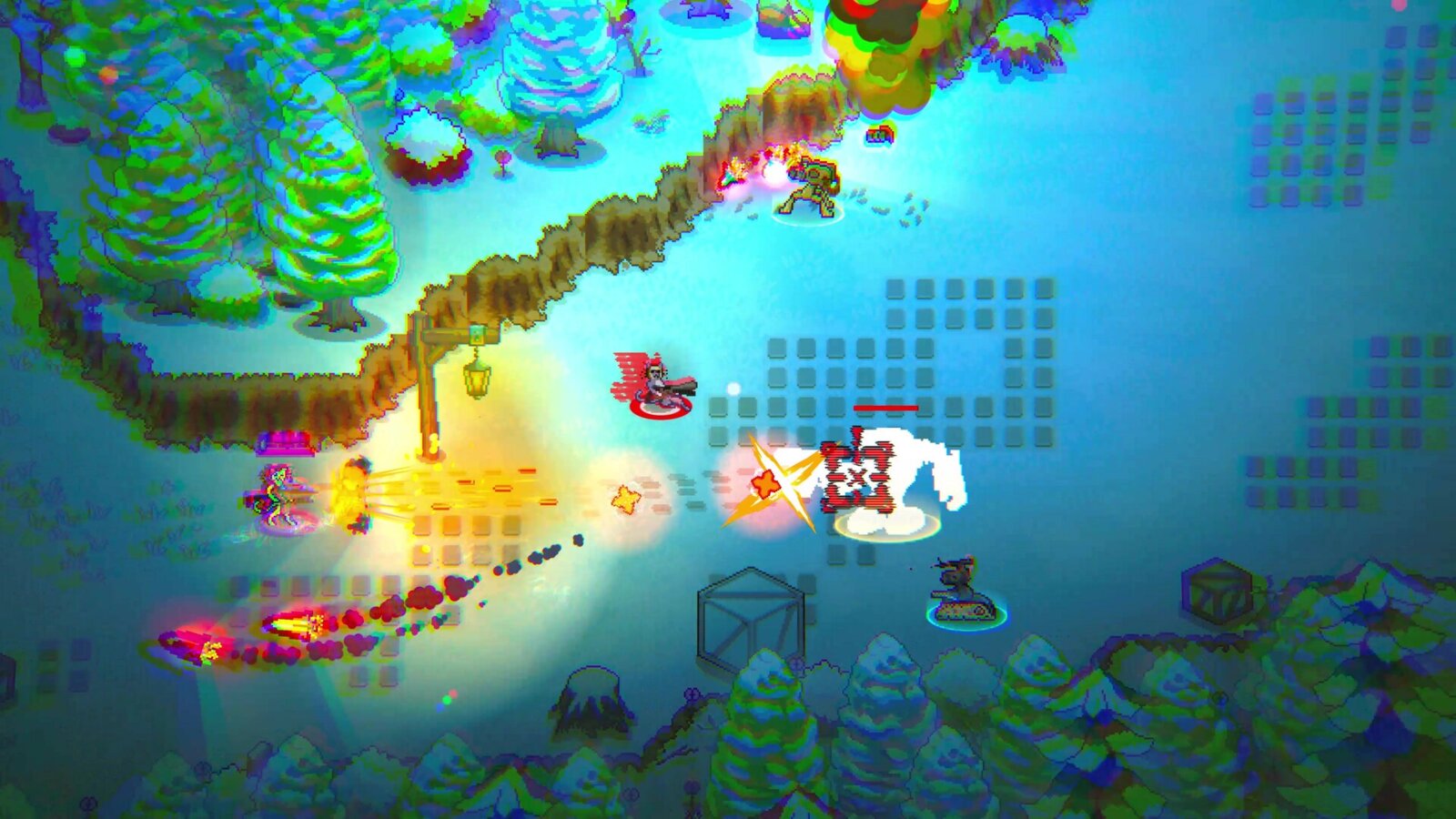
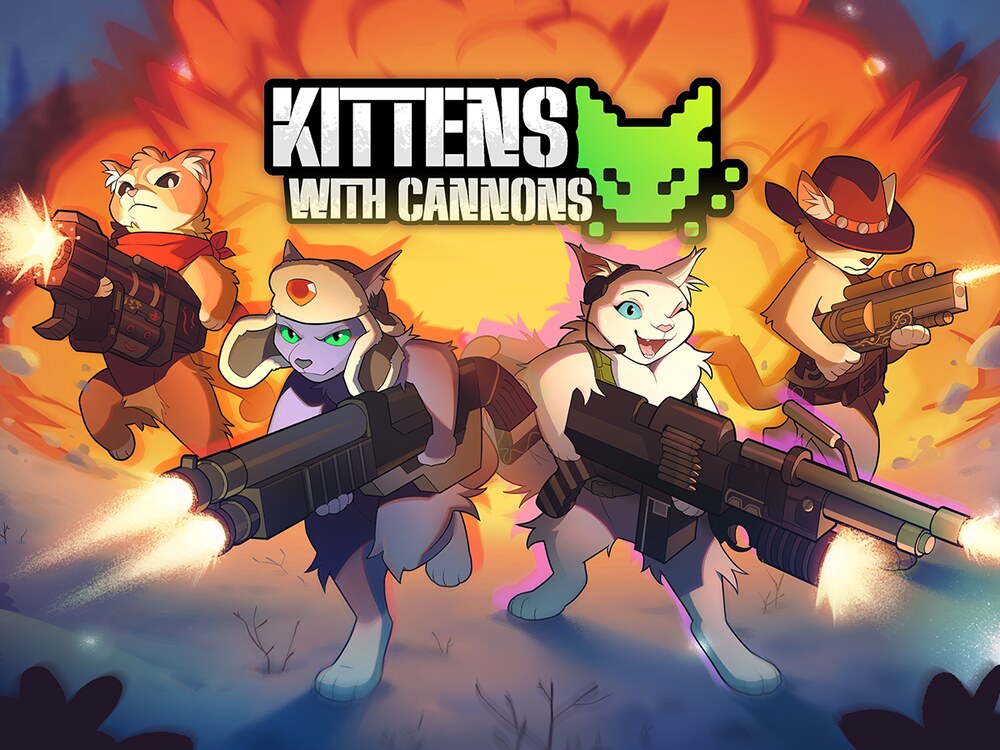
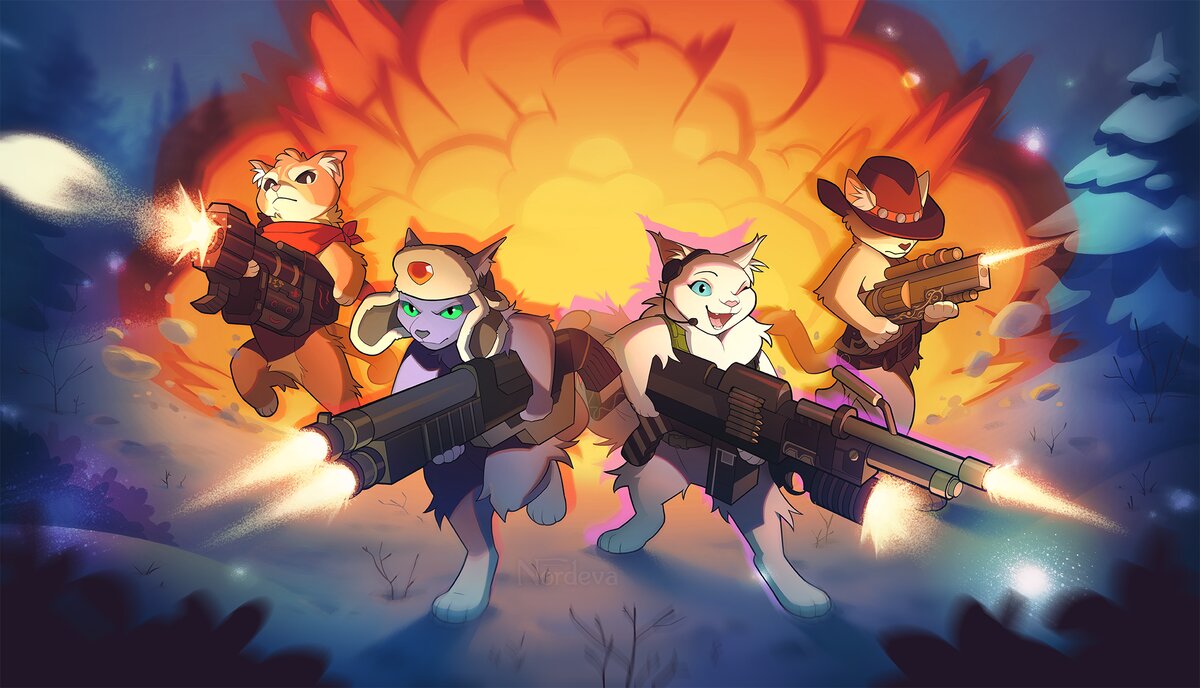
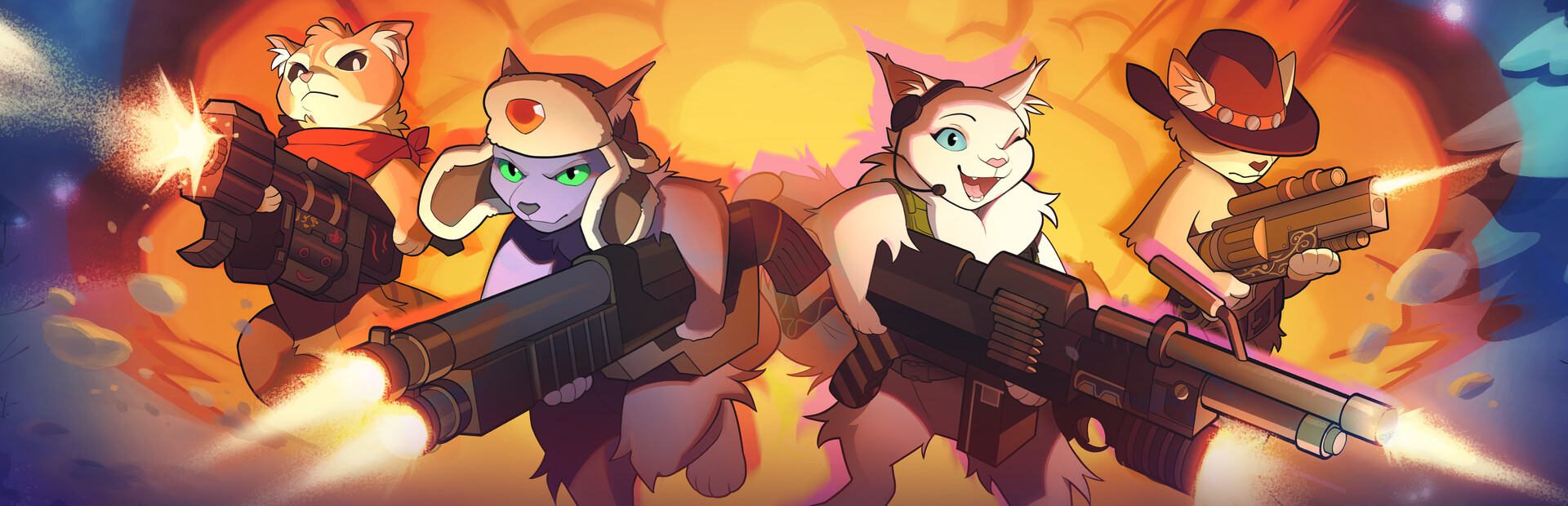
Kittens with Cannons is an action-RPG where you control a squad of gun-wielding cats: complete quests, aid fellow "kitizens," and blast through a robot army. I led the five-person team that built it, wrote the gameplay and tooling code, and took it all the way to a public demo and a grand-prize win at the 2022 IEEE GameSIG Showcase.
Overview
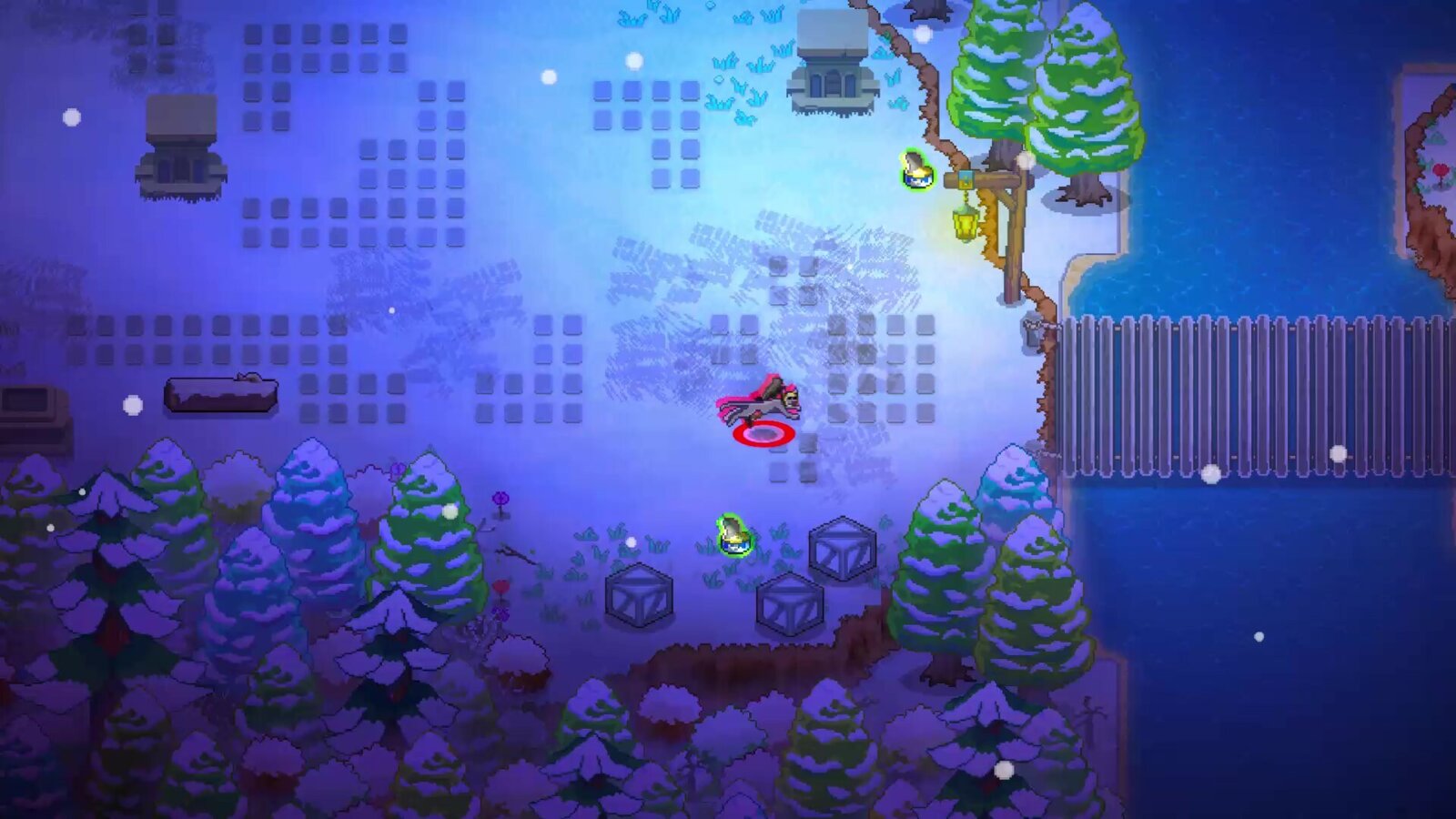
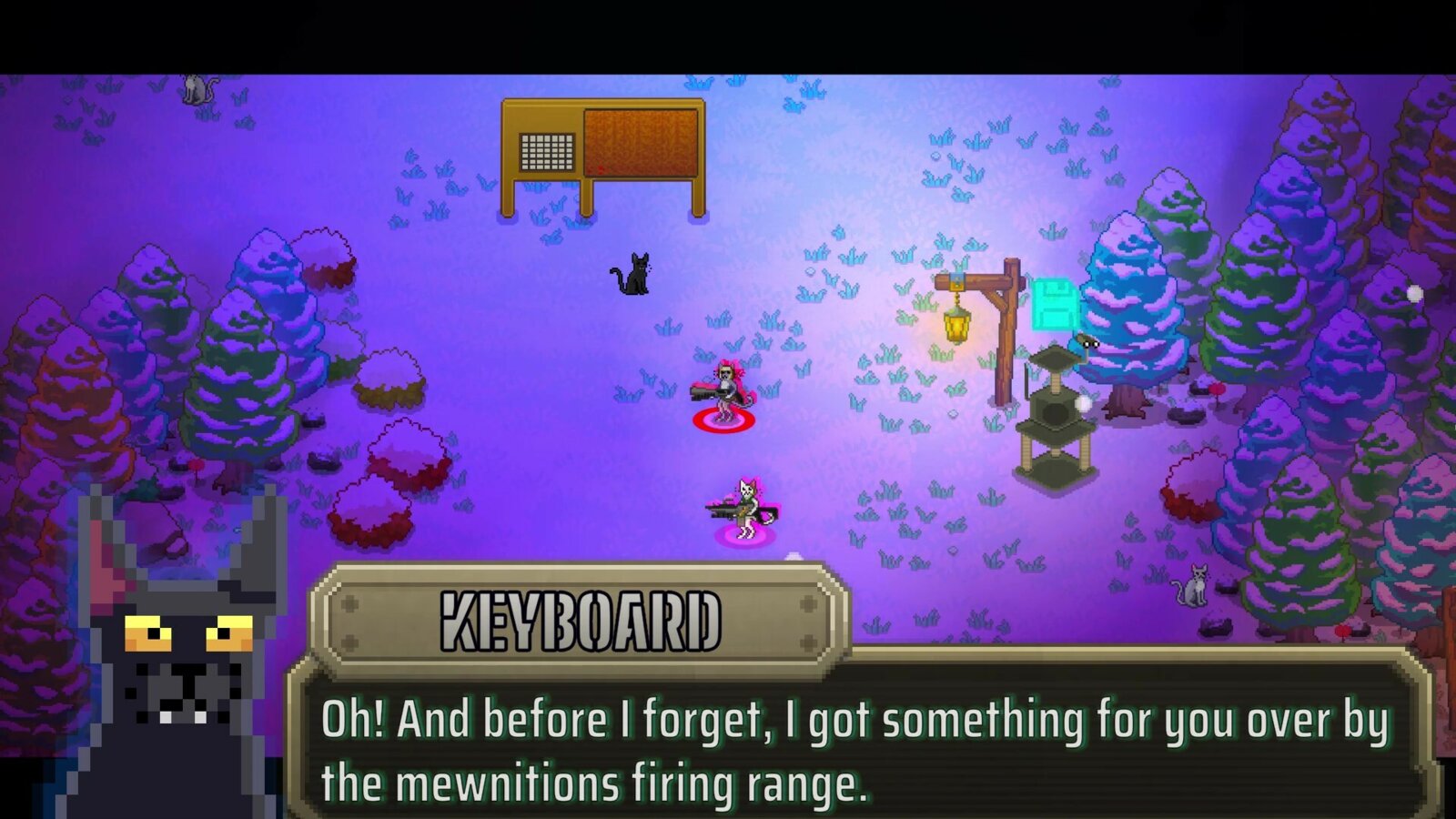
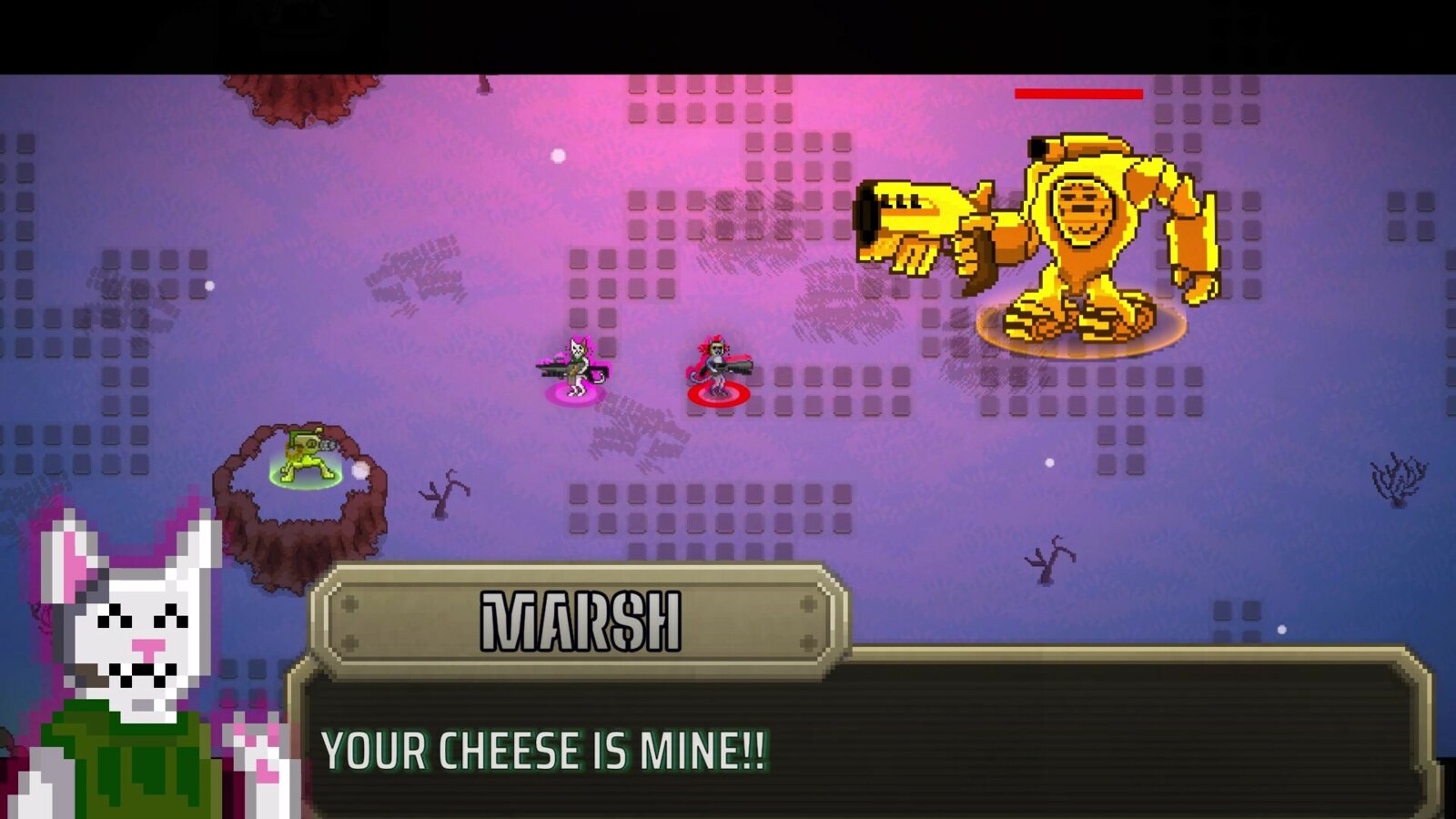
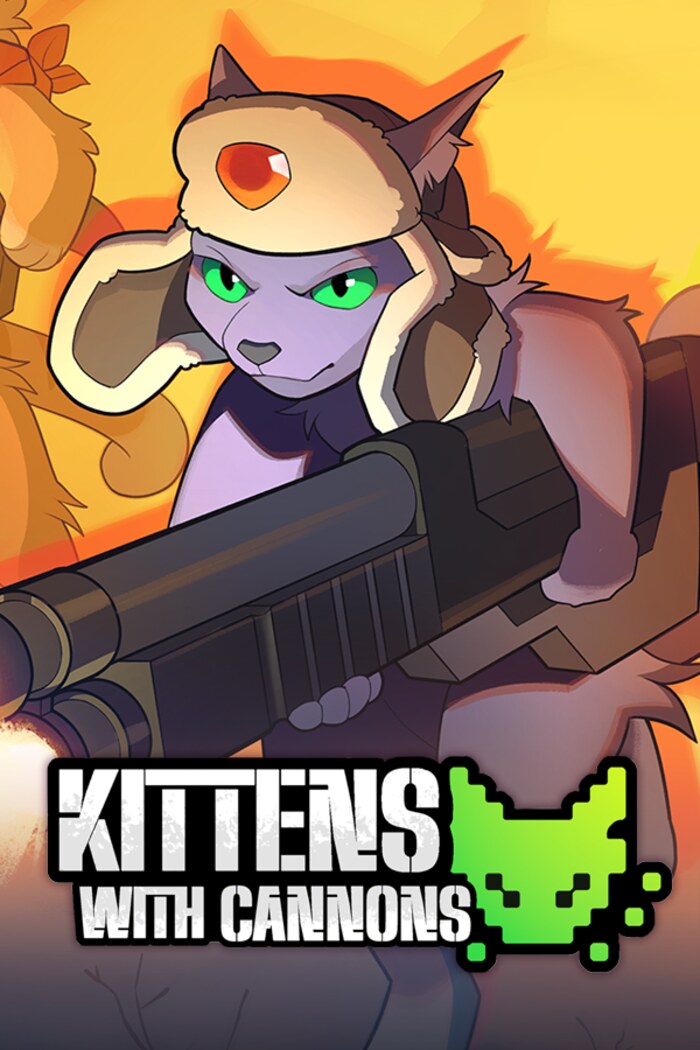
Kittens with Cannons drops players into 2D pixel-art levels as one of two playable cats: Koshka, a shotgun specialist, or Marsh, a heavy-weapons brawler, each with a distinct playstyle, a leveling system, and unlockable equipment. It supports solo play, local co-op, and keyboard or controller input. As project lead, I was responsible for the systems underneath all of it: the engineering architecture, the tools the rest of the team used, and the save data holding a run together.
Leading a five-person team
I split my time between writing gameplay code and building the infrastructure everyone else on the team needed to move fast. With artists and designers who weren't primarily programmers, the biggest lever I had wasn't writing more features myself. It was making sure the team could build and test their own work without waiting on me.
CV3: an in-editor cutscene node system
Rather than reach for a general-purpose visual scripting
plugin, I built a lightweight, purpose-made cutscene tool
directly inside the Unity editor. Internally we called it CV3,
"Cutscene V3," after two earlier attempts. Every cutscene node
is a plain GameObject dropped straight into the level: a
shared CutsceneNodeV3 base class defines the
chain, and small node types layer specific behavior on top by
overriding a single Action() coroutine.
MovePlayersCV3 walks or teleports the squad to
the node's position, CameraCV3 swaps between a
fixed point focus and a dynamic multi-player focus,
ChangeMusicNodeCV3 cross-fades the score,
FadeNodeCV3 fades the screen between two colors,
ControlsHideCV3 hides on-screen prompts, and
EnableChildrenCV3 flips on a group of objects at
once.
Two companion components do the heavy lifting for authoring:
DrawLineBetweenCV3Nodes
draws a live line from each node to the next directly in the
Scene view, and
MoveNextToPrevCV3Node keeps newly added nodes
snapped into the chain automatically. The result is a cutscene
you build by placing objects in space and watching a visual
sequence connect itself. No C# required, and no separate graph
editor window to learn.
A simplified three-node CV3 chain. Each box is a real GameObject, connected and ordered directly in the Scene view.
That spatial workflow mattered more than it might sound like. A designer could restage a cutscene's pacing (reorder a camera beat, add a fade, swap which line of music plays) by moving objects around in the scene they were already looking at, without a single engineering change, a recompile, or four people fighting over the same gameplay script.
SS2: a GUID-keyed save system
The save system (internally "SS2," Save System 2) is built on
top of Unity's PlayerPrefs, but the part I'm
actually proud of is how it assigns save data to objects. A
CustomGUID component runs in the editor
([ExecuteAlways]) and gives every GameObject a
stable, unique ID the moment it's placed. It actively scans
the scene for collisions and regenerates itself if a duplicate
or a freshly-dropped prefab instance would otherwise share an
ID with something else. That GUID becomes the natural key
prefix for anything the object needs to remember, so any
GameObject in the game can opt into persistence without a
central registry or hand-maintained key list.
From there, small single-purpose components layer specific
behavior on top of that identity.
SS2Generic remembers whether an object is active
or disabled, useful for a looted chest or a defeated enemy
that shouldn't respawn, keyed off its own GUID.
SpawnObjectSS2 continuously persists a spawned
object's position every frame it's running and restores it on
load. Singleton helpers like ExperienceSS2 and
CameraSS2 persist specific global values, player
XP and camera position, on demand, and a central
SS2Manager
singleton is the coordinating entry point the rest of the game
calls to trigger a save. A global
Util.IsLoadingEnabled() toggle let the team
disable save loading during testing without having to clear
saved data by hand.
Per-object identity from CustomGUID lets small components opt independently into PlayerPrefs-backed persistence.
What I'd change for Saloonery
Shipping CV3 and SS2 end-to-end taught me exactly where they'd bend and where they'd break, and that's shaping real decisions on Saloonery:
- A structured, versioned save file instead of flat PlayerPrefs keys. PlayerPrefs is fast to build on and it shipped the demo, but it's a flat, ungrouped key-value store. There's no atomic multi-key write, and renaming or restructuring a field quietly breaks old saves with no migration path. For Saloonery I'm designing around a single serialized save blob with an explicit schema version, so old saves can be migrated forward on purpose instead of silently failing.
-
Keep the auto-identity trick, centralize the
orchestration.
Giving every object a stable, collision-checked GUID at edit
time made scoped persistence nearly automatic, and I'm
keeping that pattern. But SS2Manager's
SaveGame()only ever grew to cover camera state before development wrapped, and the rest of the save/load path was still spread across each component's ownAwake(). I want one orchestrator that owns the full list of persistable state, so a save/load bug is one file to check, not a dozen. - Decouple cutscene authoring from the scene it's built in. CV3's spatial, drop-a-node-in-the-level workflow was genuinely great for a non-programmer team, and I want to carry that forward as-is. What I'd change is the storage. Because each node is a GameObject baked into a specific scene file, a cutscene can't easily be reused across levels or reviewed as a clean diff in source control. A data-driven sequence format, authored with the same in-editor, node-by-node feel, would keep the workflow while making cutscenes portable assets in their own right.
-
Save on meaningful change, not every frame.
SpawnObjectSS2writes position data inUpdate(), i.e. every single frame an object is live. It works at this scale, but it's wasted writes; checkpoint- or change-driven saves scale better as the amount of persisted state grows.
Recognition and the demo
The build we brought to the 2022 IEEE GameSIG Showcase, a competitive collegiate game competition, won the event's grand prize. That result, along with the studio's plans at the time for a Kickstarter and a fuller release, was covered by Chapman University's newsroom; you can read that piece on my press page. Bow Tie Cat Studios went on to run a Kickstarter campaign for the full release, and a playable demo remains available on Steam.
← scroll or drag to see more →